

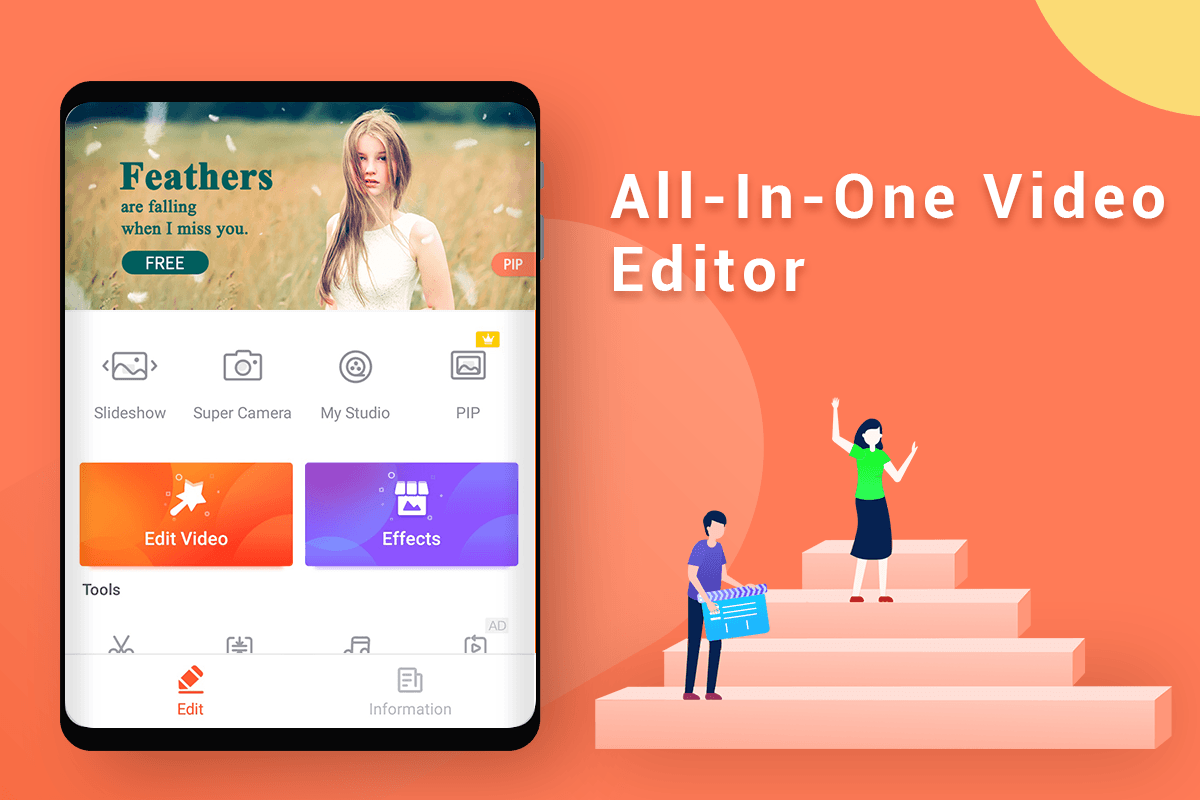
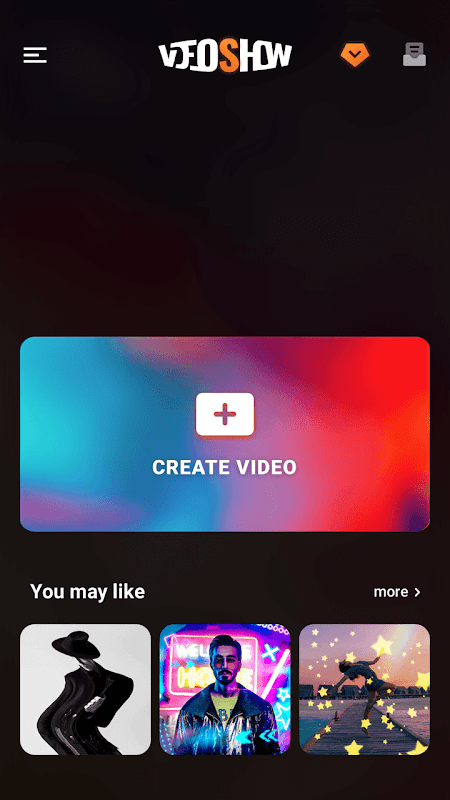
VideoShow offers a comprehensive mobile editing suite that transforms smartphones into portable production studios. This application enables users to create polished videos directly from their Android devices without requiring advanced technical skills. It is ideally suited for social media enthusiasts, content creators, and anyone looking to enhance personal videos with professional flair. The tool simplifies complex editing tasks, making high-quality video production accessible to a broad audience.
Intuitive Timeline-Based Editing
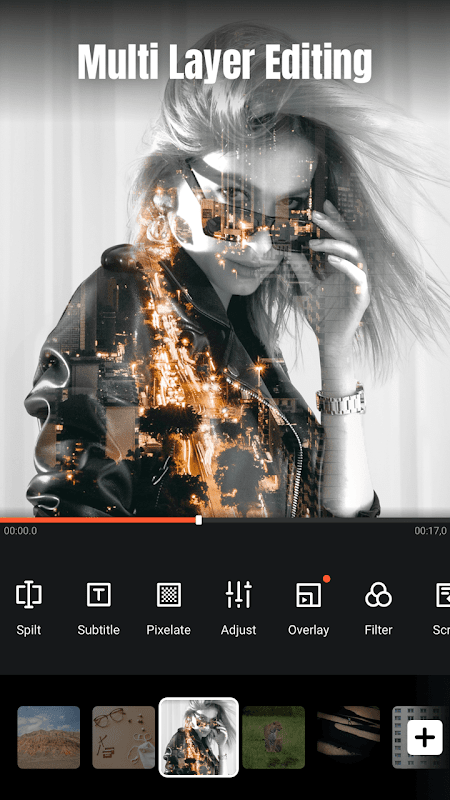
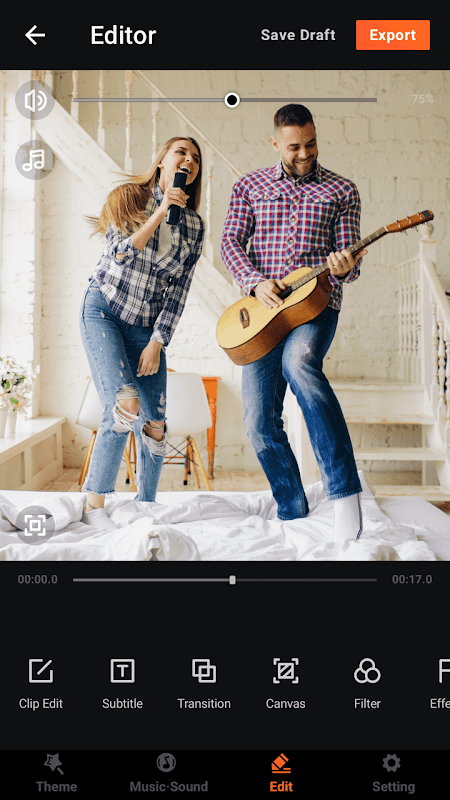
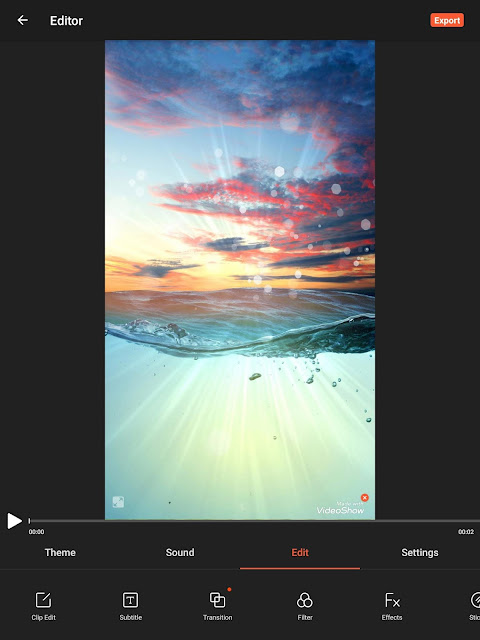
The core of VideoShow is its drag-and-drop timeline, which allows for straightforward arrangement of video clips, photos, and audio tracks. Users can easily trim, split, and rearrange segments to craft a cohesive narrative. This visual approach to editing minimizes the learning curve for newcomers. It provides a clear overview of the entire project, streamlining the creative process.
Rich Library of Visual Effects
A vast collection of filters, stickers, and animated effects is available to enhance any video project. These elements can be customized and layered to match specific themes or moods, from festive occasions to professional presentations. The app regularly updates its effects library to include trendy and seasonal content. This ensures that creators have access to fresh and relevant visual tools.
Professional-Grade Audio Tools
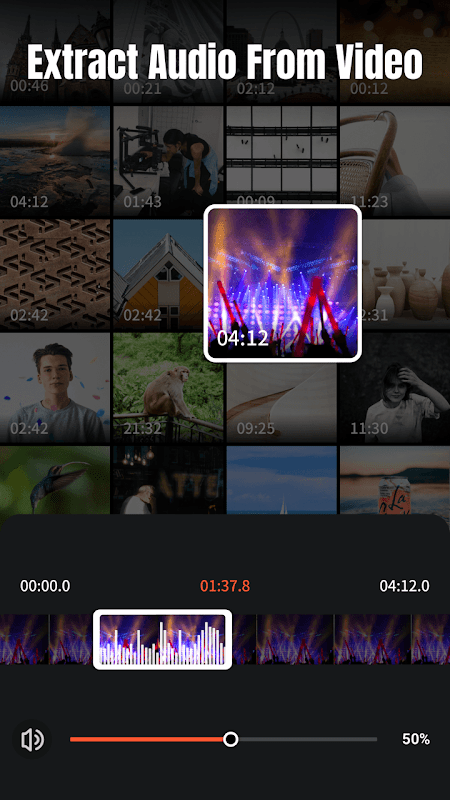
VideoShow includes robust audio editing capabilities, allowing users to add background music, voiceovers, and sound effects. The app supports precise audio syncing and volume adjustment to ensure clear and balanced sound. An integrated music library offers a variety of royalty-free tracks and sound clips. This feature is crucial for creating videos with impactful and synchronized audio.
Advanced Text and Title Animation
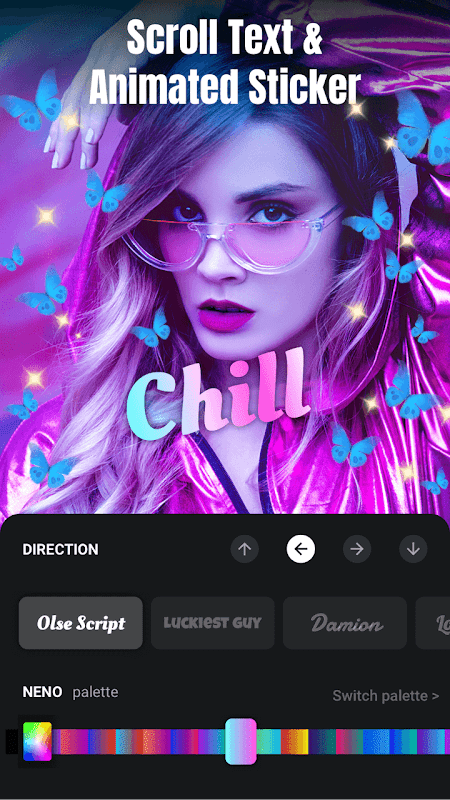
Creating dynamic titles and captions is simplified with a wide selection of fonts and animation styles. Users can control the timing, duration, and movement of text overlays to emphasize key moments. The tool supports custom text colors and borders for improved readability against any background. This functionality is essential for making engaging explainer videos or social media content.
Seamless Export and Sharing
Once editing is complete, VideoShow provides multiple resolution options for exporting the final video, catering to different platform requirements. The rendering process is optimized for speed, preserving the quality of the original footage. Direct sharing to major social platforms is integrated within the app, facilitating a quick and efficient publishing workflow. This makes it easy to go from editing to publishing without leaving the application.
Frequently Asked Questions
VideoShow is a mobile video editor that allows users to cut, merge, and enhance videos with effects, music, and text. It is designed to make video editing straightforward and accessible on Android devices for personal or social media use.
Yes, you can import and use your personal music library from your device to create custom soundtracks for your projects. The app’s audio tools allow you to trim and adjust the audio to fit your video clips perfectly.
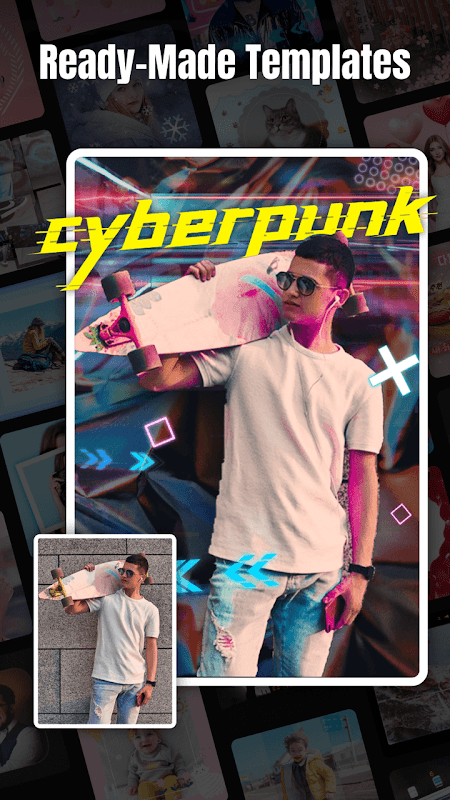
Core editing functions are available offline, allowing you to work on projects without an internet connection. However, accessing the latest online effects, templates, or updates will require connectivity.
The free version of the app may include a watermark on exported videos. Accessing a watermark-free experience and other advanced features typically requires a premium subscription or in-app purchase.